 PAA Practice Exams
 / Exam guide / Section 1
Section 1: Building agents using low-code tools
Section 1 is about 13% of the exam and lists four considerations under 1.1 (low-code workflows and instructions) and 1.2 (enterprise data in Gemini Enterprise). Most questions turn on three decisions: whether a rule belongs in instructions or in a deterministic control such as a flow route, handoff rule or Condition step; whether a data source is ingested or federated and which identity setup it needs; and how PDFs, video and audio become retrievable text.
| Share of the exam | About 13%, roughly 6 to 7 questions if the GA exam has 50 |
| Practice questions | 5 free on this page and in the practice exam, 23 in the full bank |
The 4 Section 1 considerations, as worded in the official exam guide
1.1 Configuring agentic workflows and behavior using low-code tools
- Configuring state-based workflows (pages, transition routes, and event handlers) using Gemini Enterprise tools (e.g., Gemini Enterprise Workflow Builder and Customer Experience Agent Studio [CX Agent Studio])
- Creating system instructions and in-console prompt templates (e.g., few-shot and chain-of-thought) to guide agent behavior (e.g., Workflow Builder and CX Agent Studio)
1.2 Connecting enterprise data to Gemini Enterprise
- Configuring agents to securely connect and query enterprise proprietary data sources (e.g., Gemini Enterprise and Agent Search)
- Ingesting and processing unstructured multimodal data (e.g., videos, audio, and images) into the agentic workflow
Source: Professional Agentic Architect exam guide (PDF).
Workflow Builder, CX Agent Studio or a reused Dialogflow CX flow: which builder the scenario asks for
| If the scenario says | Choose | Why |
|---|---|---|
| Employees, multi-step process started by a connector event (new Jira issue, incoming email), human approval | Workflow Builder workflow in the Gemini Enterprise web app (formerly Agent Designer) | Workflows run steps from a manual, schedule or event trigger and include human-in-the-loop steps such as Request info. |
| Employees, open-ended Q&A or lookups where user input drives the next turn | Workflow Builder chat agent | Chat agents are conversational and primarily non-deterministic; they have no fixed step sequence. |
| Customers on a web widget and telephony, one agent application | CX Agent Studio, the evolution of Dialogflow CX, built on ADK | One instruction set can branch by channel and modality. |
| Existing Dialogflow CX flow with strict sequential collection and validation must be kept | Import it into CX Agent Studio as a flow-based agent with explicit input and output variable mappings | The flow holds the conversation until END_SESSION and exchanges data only through the mappings, so it behaves as a black box. |
| Intent classification and routing between agents | CX Agent Studio LLM steering agents | Routing belongs in agents, not in reused flows. Back-and-forth transitions between a flow and an agent break encapsulation. |
| The reused flow cannot be called from the agent application | Grant the Customer Engagement Suite Service Agent the Dialogflow API Client role | The agent application needs this grant to call the flow. |
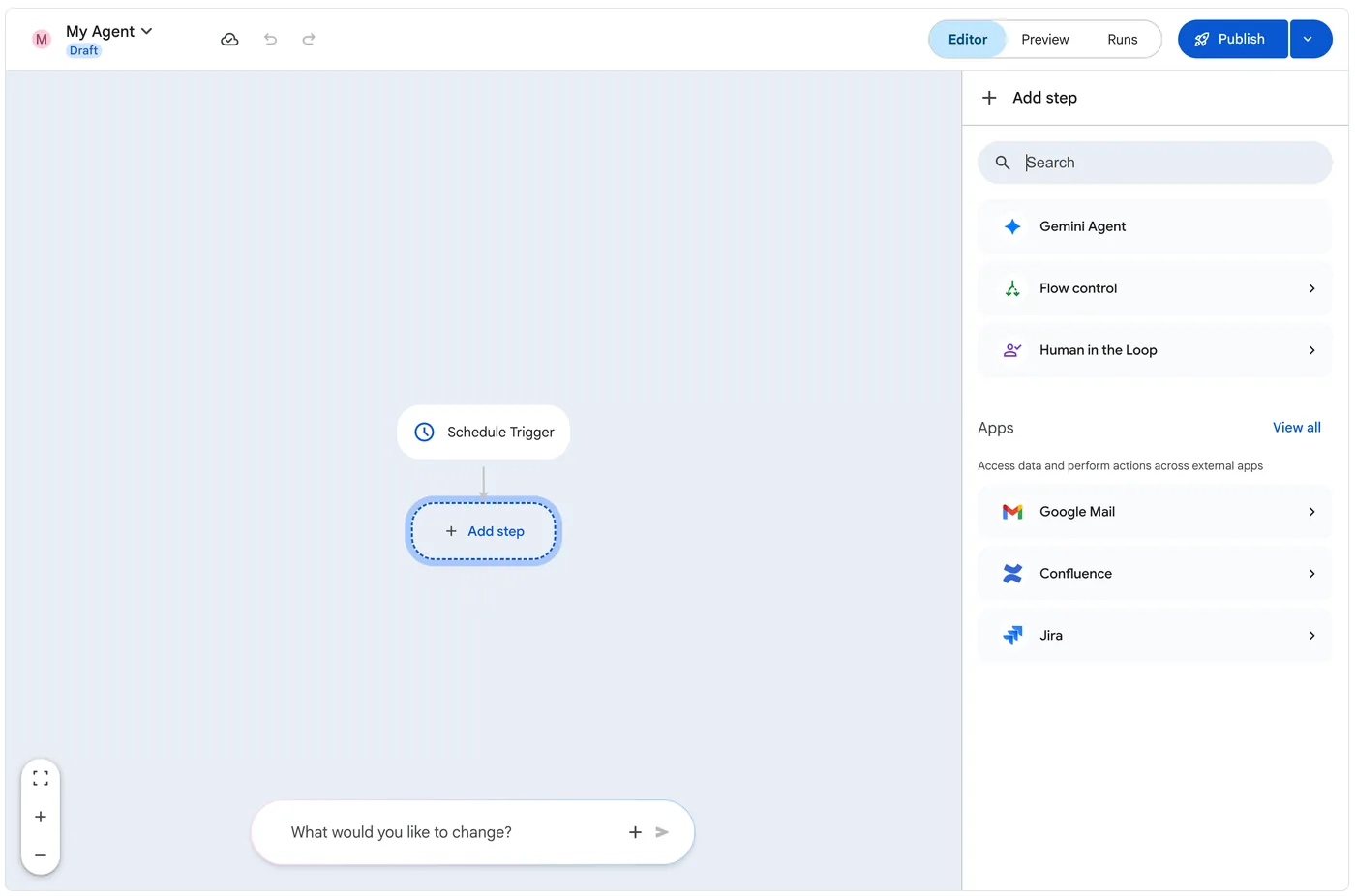
Workflow Builder agents can use only the connectors, tools and permissions that the Gemini Enterprise administrator provisions, and an administrator must turn on the Workflow Builder feature toggle for the app. Gemini Agent steps support Gemini 3.0 and later models only.
Sources: Workflow Builder overview, Workflow Builder workflows, CX Agent Studio flow-based agents.
Dialogflow CX pages, routes and event handlers: which handler is in scope on which page
Pages, transition routes and event handlers are Dialogflow CX flow constructs; CX Agent Studio reuses them through flow-based agents. Where a route or handler is defined sets its scope and precedence.
- Flow-level routes are added on the flow start page. Flow-level routes with an intent requirement stay in scope on every page of the flow. Flow-level routes with only a condition requirement are in scope only while the start page is the current page.
- Agent-level route groups cannot contain routes whose transition target is a non-symbolic page, so they cannot send the user to a specific page.
- Form completion: a condition route with
$page.params.status = "FINAL"becomes true only after every required form parameter is filled. Conditions are checked every turn, so the transition happens as soon as the last value arrives, in any order, without an intent or webhook. A condition oftruetransitions immediately, before the form is filled. - Entry fulfillment runs once, when the page becomes active, so it cannot react to later form progress.
- Handler precedence: parameter-level (reprompt) event handlers are evaluated before page-level handlers, which are evaluated before flow-level handlers. Parameter-level handlers are in scope only while that parameter is being filled.
- Numbered no-match events: when
sys.no-match-1,sys.no-match-2and so on exist, they are invoked in order instead ofsys.no-match-default. Use them to give a hint on the first failure and escalate on the second. - Custom events represent things that happen outside the conversation and are sent by the client application.
- Reused flows: do not rely on the default propagation of flow parameters to the session; it lets upstream flow changes break downstream flows.
Sources: Dialogflow CX state handlers, Dialogflow CX parameters, Flow-based agents.
System instructions in CX Agent Studio: XML taskflow, inline few-shot examples and modular components
- Language: write instructions in English for the best model understanding. Agents reply in the user's language unless instructed otherwise, so a language restriction needs an explicit instruction. The
end_sessionsystem tool withsession_escalatedset to true ends the conversation and marks it as escalated to a human. - Restructure instructions: a button above the instructions panel that converts prose into the recommended XML structure:
<role>,<persona>(with<primary_goal>),<constraints>,<taskflow>containing<subtask>and<step>elements, each step with a<trigger>and an<action>, and<examples>. Use it when the agent must follow ordered steps and keep rules apart from persona. - Inline few-shot examples go in the
<examples>block. Each example has[user],[model],tool_code(how to call a tool) andtool_outputs(how to read its result). Add them only after clear instructions have failed, for consistent quality problems, non-standard output formats or nuanced decisions. Keep them few and representative: too many make the agent overfit and stop generalizing. - References:
{@AGENT: Agent Name}and{@TOOL: tool_name}name agents and tools in the text. - Modular components: one instruction set behaves like several agents through
{% if _session.modality == 'VOICE' %},_session.channelconditions or tags such as{@startModality_Voice}. In evaluations, set the_sessionscenario variable, for example{"modality": "TEXT", "channel": "API"}, so each scenario renders the intended branch. - Global instructions are set in the advanced agent application settings, inherited by every agent and sent on every turn. They suit shared content such as brand tone and shared variables, not a single agent's procedure.
Sources: CX Agent Studio instructions, CX Agent Studio variables.
Instructions, handoff rules, callbacks and Condition steps: commonly confused controls
| Pair | The difference the exam uses |
|---|---|
| Instructions vs handoff rule (CX Agent Studio) | Instructions can steer transfers but are not deterministic. Handoff rules force a transfer or block it until a condition is met, deterministically, and are configured in the UI. |
| Handoff rule with variables vs advanced code option | Rules that block a handoff accept only variable conditions. Variable checks support text, number and boolean variables, with one AND or OR operator for all conditions in the UI. The code option uses should_trigger_transfer_callback. |
| Handoff rule vs callback | Both are deterministic, but callbacks require Python code. If maintainers do not write code, use the rule. |
Static {{var}} vs dynamic {var} | Static references are compiled into the prompt before the model call: best adherence for large values that do not change. Dynamic values are appended as state updates: lower adherence, and they can be lost when long histories are trimmed. Changing rendered instruction text mid-conversation, including switching {% if %} branches, invalidates prompt caching. |
before_agent_callback vs before_model_callback | Instruction templates render after before_agent and before before_model. A variable set in before_agent_callback changes the current turn's instructions; one set in before_model_callback affects only later turns. |
| Gemini Agent instructions vs Condition step (Workflow Builder) | For deterministic branching, set the Gemini Agent node to structured JSON output with a JSON schema and branch on the typed field with a Condition step. |
| Event trigger vs schedule trigger | Event triggers take a connector and a filter; add a filter so runs start only for relevant events. Schedule triggers run on a frequency or cron expression regardless of events. |
Sources: Handoff rules, CX Agent Studio variables, Workflow Builder workflows.
Connecting enterprise data: ingestion or federation, identity provider, static IPs and custom MCP data stores
| If the scenario says | Choose | Why |
|---|---|---|
| BigQuery row-level security must apply to agent answers, no data copies | BigQuery data store in federated query mode; users need BigQuery Job User and BigQuery Data Viewer | Federated queries run with the user's credentials, so BigQuery IAM and row-level security apply. Ingested data does not keep BigQuery permissions. |
| Search quality matters more than storage cost | Data ingestion mode | Indexing generally gives better search quality than federation. |
| SharePoint or OneDrive ingested, any single sign-on provider | Workforce Identity Federation with Microsoft Entra ID; Entra ID groups control access | Microsoft 365 sources in ingestion mode require Entra ID. Map google.subject to the lowercase email, not the Entra object ID. |
| Source enforces IP allowlisting | Create the data store with Enable Static IP Addresses, then allowlist every address under Static IPs | Static IP egress can be chosen only at creation; an existing store must be recreated. Cloud NAT in your project does not change connector source addresses. |
| Proprietary system on a private network with no connector | Custom MCP data store created inside the app, egress routed through Agent Gateway | Only the StreamableHTTP transport is supported. Agent Gateway routing (us-central1, europe-west1) reaches private networks and accepts private CA certificates through custom TLS trust anchors. Under VPC Service Controls, add the server, authorization and token domains to allowed egress FQDNs and custom_mcp to allowed data sources. |
| CX Agent Studio OpenAPI tool in a project shared with sensitive services | Dedicated project, invoker on the one target service, VPC Service Controls | OpenAPI tool calls run as the CX Agent Studio service account, not the end user. Only global Secret Manager secrets are supported. |
| Workflow Builder node must search only selected Drive folders but also write a document | Two Gemini Agent nodes: one with Add from Drive knowledge, one with the full Drive tool | The full Drive tool on the same node overrides the knowledge restriction. Mutative actions need their search actions to resolve IDs, or runs fail with ENTITY_NOT_FOUND. |
Sources: Connect BigQuery, Configure identity provider, Custom MCP server data store.
PDFs, video, audio and images: how each content type becomes retrievable
| Content | What works | What the wrong options get wrong |
|---|---|---|
| PDF and DOCX with tables, diagrams, multi-column layout | A data store created with document chunking and the layout parser, which adds table and image annotations to chunks. The layout parser gives its best results on ingested data. | Chunking can be set only at creation, and the layout parser needs chunking. Parser changes apply only to newly imported documents. The OCR parser extracts paragraph text only; the digital parser detects no tables or images. Federated connectors such as OneDrive use the layout parser but query in real time and may not fully analyze complex PDFs. |
| Recorded video | Gemini video understanding on the gs:// URI produces a timestamped transcript; import it as text/html with NDJSON metadata (structData plus a content URI) that keeps the source video link. | Unstructured data stores index documents such as PDF, HTML and TXT, not video or audio. Cloud Storage video input is limited to 2 GiB minus 500 KiB, video with audio to about 45 minutes, and public HTTP(S) URLs to 15 MiB. |
| Recorded audio, processed in batch | Send the gs:// URI to a Gemini model with audioTimestamp in GenerationConfig, and prompt for timecode, speaker and caption. | The Live API is for real-time streaming with raw PCM input. Embeddings support similarity search, not transcripts. |
| Search by text or by photo | Multimodal embeddings, which place images and text in one semantic space with the same dimensionality. Return the top-ranked neighbors. | Dot-product scores are not calibrated probabilities, so a fixed threshold behaves differently per category. gemini-embedding-2 has no task_type field (state the task as an instruction in the input), shares an 8,192-token context across modalities and truncates audio beyond 180 seconds. |
Sources: Parse and chunk documents, Video understanding, Multimodal embeddings.
5 free Section 1 questions with answers
The first answer is open as an example. In the practice exam you answer them one by one and get a score for this section; the full bank has 23 Section 1 questions.
Question 1, 1.1 Configuring agentic workflows and behavior using low-code tools
An insurer's Dialogflow CX claims flow, now reused from CX Agent Studio as a flow-based agent, has 14 pages that collect incident details. Product owners want callers to be able to say "cancel my claim" on any page of the flow and be taken to the flow's Cancel Claim page. The team wants a single place to maintain this behavior and does not want to edit every page whenever the flow changes. What should you do?
- Add a cancel_claim intent route, targeting the Cancel Claim page, to the flow start page as a flow-level route.
- Add a condition-only route to the flow start page that checks a cancel_requested session parameter and transitions to the Cancel Claim page.
- Add an identical cancel_claim intent route, targeting the Cancel Claim page, to each of the 14 pages so every page handles it explicitly.
- Create an agent-level route group containing the cancel_claim intent route that targets the Cancel Claim page, and reference it from the flow.
Show the answer and explanation
Answer: A. Routes applied to a flow are added on the flow start page, and flow-level routes that have an intent requirement stay in scope no matter which page of the flow is current. That gives one place to maintain the cancel behavior for all 14 pages, and the transition target can be any page in the active flow.
Why the other options are wrong:
- B. Flow-level routes that have only a condition requirement are in scope only while the current page is the flow start page, so this route would not fire on the other 13 pages.
- C. Copying the route onto every page works, but it repeats the work on 14 pages and breaks the single-place maintenance requirement.
- D. Agent-level route groups do not allow routes whose transition target is a non-symbolic page, so a route that targets the Cancel Claim page cannot go in one.
Official reference: docs.cloud.google.com/dialogflow/cx/docs/concept/handler
Question 2, 1.1 Configuring agentic workflows and behavior using low-code tools
A telecom's CX Agent Studio application has a root agent and a Payments sub-agent. Security requires that the conversation must never be transferred to Payments until a verification tool has set the boolean variable is_verified to true. The rule must be enforced deterministically, and the business analysts who maintain the agent do not write Python. Instruction-only guidance was already tried and occasionally failed in testing. What should you configure?
- Add a sentence to the root agent's instructions stating that it must never call {@AGENT: Payments} unless the {is_verified} variable is true, and repeat it in global instructions.
- Write a before_agent_callback on the Payments agent that returns a refusal message whenever is_verified is false.
- Create a handoff rule that blocks the transfer by using the advanced code option with a should_trigger_transfer_callback function.
- Create a handoff rule from the root agent to Payments that blocks the transfer until the variable is_verified equals true.
Show the answer and explanation
Answer: D. Handoff rules control transfers between parent and child agents deterministically, and they can either force a transfer or block it until a condition is met. A block rule is defined with variable conditions in the UI, and boolean variables are supported, so analysts can maintain it without code.
Why the other options are wrong:
- A. Instructions give similar control, but it is not deterministic, which is the failure the team already saw.
- B. A callback can enforce this, but it needs Python code, which the maintainers do not write.
- C. Rules that block handoffs can only be defined with variables, not with the advanced code option.
Official reference: docs.cloud.google.com/gemini-enterprise-cx/cx-agent-studio/handoff
Question 3, 1.1 Configuring agentic workflows and behavior using low-code tools
An electronics company wrote three pages of free-form prose instructions for a CX Agent Studio warranty agent. In testing, the agent sometimes approves a claim before it checks the purchase date, and it mixes the persona guidance with the hard rules. The team wants the agent to follow an explicit, ordered step-by-step procedure in which each step has a clear trigger and action. It wants to reach this with the least manual rewriting. What should you do?
- Move the whole procedure into global instructions in the advanced agent application settings so that it is sent to the model on every conversational turn.
- Split each paragraph of the procedure into its own sub-agent, and let the root agent pick the right sub-agent for each turn.
- Use Restructure instructions to convert the prose into the recommended XML structure with constraints and a taskflow of trigger and action steps.
- Add a constraint at the top of the instructions telling the model to think step by step before every answer.
Show the answer and explanation
Answer: C. The Restructure instructions feature reformats hand-written instructions into the recommended XML structure, which helps the model follow them better. In that structure, persona and constraints are separated, and the <taskflow> contains ordered <subtask> and <step> elements, each with an explicit <trigger> and <action>. This makes the agent follow the procedure in a fixed order.
Why the other options are wrong:
- A. Agent instructions are already sent every turn, and global instructions are meant for shared content such as brand tone. Moving the prose there does not add order or structure.
- B. Breaking one procedure into many sub-agents adds routing complexity and handoffs without making the steps happen in a fixed order.
- D. A generic "think step by step" line does not define the ordered steps or separate the rules from the persona, so the procedure is still ambiguous.
Official reference: docs.cloud.google.com/gemini-enterprise-cx/cx-agent-studio/instruction
Question 4, 1.2 Connecting enterprise data to Gemini Enterprise
A law firm uses Okta for single sign-on and stores matter documents in SharePoint Online, where Microsoft Entra ID groups control access. It wants Gemini Enterprise to search these documents in data ingestion mode, because search quality matters more to the firm than storage cost. Each attorney must see only the documents they are allowed to open in SharePoint. How should you configure identity for this data store?
- Use Google Identity federated with Okta through SAML 2.0, and rely on the Okta groups that were synced to Google during the initial single sign-on setup.
- Set up Workforce Identity Federation with Microsoft Entra ID, and use Entra ID groups to control document access.
- Switch the SharePoint connector to data federation mode, so that users authenticate to SharePoint directly with OAuth.
- Set up Workforce Identity Federation with Okta, and map google.subject to each user's Microsoft Entra ID object ID.
Show the answer and explanation
Answer: B. Microsoft 365 sources such as SharePoint that connect through data ingestion require Microsoft Entra ID and Workforce Identity Federation, with Entra ID groups controlling document access. This applies even when a different identity provider handles single sign-on. With this setup, ingested ACLs map correctly to each attorney.
Why the other options are wrong:
- A. Google Identity supports most ingested third-party sources, but Microsoft 365 sources in ingestion mode are explicitly excluded and need Entra ID with Workforce Identity Federation.
- C. Federation removes the Entra ID requirement, but it lowers search quality because the data is not indexed, which goes against the firm's priority.
- D. google.subject should be mapped to the lowercase email address. Mapping it to the Entra object ID causes 403 sign-in errors and duplicate license use, and Okta does not supply the Entra groups.
Official reference: docs.cloud.google.com/gemini/enterprise/docs/configure-identity-provider
Question 5, 1.2 Connecting enterprise data to Gemini Enterprise
An aerospace supplier created a Gemini Enterprise unstructured data store a year ago from 40,000 PDF and DOCX maintenance manuals, using default settings without document chunking. The manuals are full of wiring diagrams and parts tables. A new RAG agent needs to retrieve relevant chunks, and answers must draw on image and table annotations. On the data store's Processing config tab, the team cannot select the layout parser. What should you do?
- On the existing data store, add parser overrides for the pdf and docx file types that specify the layout parser, and re-import the manuals.
- Create a new data store with layout-based document chunking and the layout parser turned on, and re-import the manuals into it.
- Turn on document chunking on the existing data store's Processing config tab, then select the layout parser.
- Turn on the OCR parser for PDFs on the existing data store with useNativeText set to true, and keep the store without chunking.
Show the answer and explanation
Answer: B. Document chunking can be turned on only when a data store is created, and you cannot choose the layout parser for a store that does not have chunking. The layout parser detects tables, images and headings, and adds image and table annotations to chunks. A new store with chunking and layout parsing is therefore required. Parser changes on an existing store would apply only to newly imported documents anyway.
Why the other options are wrong:
- A. Without chunking turned on, the layout parser cannot be chosen for the existing store, and chunking cannot be added later, so these overrides are not available.
- C. Chunking settings cannot be changed after the data store is created.
- D. The OCR parser extracts paragraph text from PDFs, but it does not produce image or table annotations or chunks for RAG retrieval.
Official reference: docs.cloud.google.com/gemini/enterprise/docs/parse-chunk-documents
Practise all 23 Section 1 questions, then take a 50-question, 120-minute simulation weighted like the real exam. $19 once, 12 months.
Practise Section 1